
Plasma Cutter Troubleshooting Guide: An In-Depth Overview
This comprehensive guide delivers expert solutions for common plasma cutter problems, ensuring precise cuts and minimizing downtime for metalworkers facing frustrating issues.
Understanding Plasma Cutter Basics

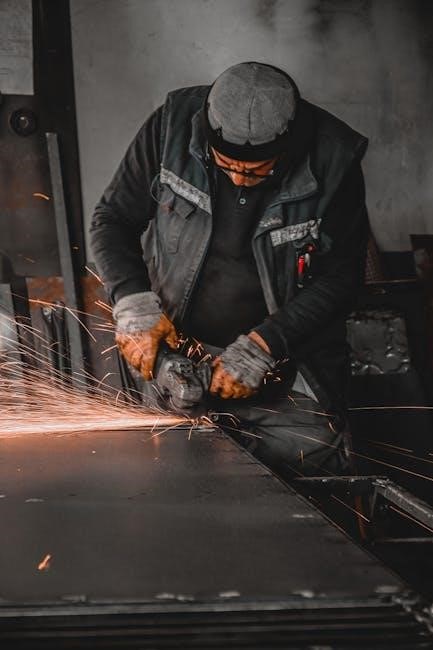
Plasma cutters utilize a high-velocity jet of ionized gas to melt and cut electrically conductive materials. A constricted arc is formed, delivering focused heat. Key components include a power supply, air compressor, torch, and consumables like electrodes and nozzles.
Proper function relies on these elements working in harmony. Understanding how each part contributes to the cutting process is crucial for effective troubleshooting. Maintaining clean air supply and regularly replacing worn consumables are fundamental practices for optimal performance and longevity of the equipment.
Common Plasma Cutter Problems & Solutions
Plasma cutters, while robust, encounter frequent issues impacting performance. These range from failing to start or arc, unstable arcs, excessive dross, and poor cut quality. Often, these stem from simple causes like loose connections, worn consumables, or incorrect settings.
Effective troubleshooting involves systematic checks. Addressing these problems promptly prevents further damage and ensures efficient metal fabrication. Regular maintenance and understanding the machine’s basic operation are key to minimizing downtime and maximizing productivity.
Plasma Cutter Not Starting
A plasma cutter failing to start is a common frustration. Initial checks should focus on the power supply – ensure proper voltage and a functioning circuit breaker. Simultaneously, verify the air compressor delivers consistent, adequate pressure, as insufficient airflow prevents arc initiation.
Loose or damaged connections are frequent culprits. Inspect the ground clamp for secure attachment and clean metal contact. Worn consumables, like electrodes, can also hinder startup; regular replacement is crucial for reliable operation.
Cause: Power Supply Issues
Insufficient or unstable power is a primary reason for a plasma cutter’s failure to start. Verify the input voltage matches the cutter’s requirements and that the circuit breaker hasn’t tripped. Check the power cord for damage, and ensure a secure connection at both the wall outlet and the machine.
Fluctuations in power can also be problematic. Consider using a voltage regulator if your shop’s electrical supply is unreliable, preventing inconsistent performance and potential damage.
Cause: Air Compressor Problems
Plasma cutters rely on consistent, clean compressed air for operation; issues with the air compressor can prevent starting or cause poor cut quality. Ensure the compressor delivers the required PSI (pounds per square inch) specified by the plasma cutter’s manufacturer.
Check for leaks in the air lines and fittings. A clogged or malfunctioning air filter restricts airflow, impacting performance. Drain the compressor tank regularly to remove moisture, preventing internal corrosion and ensuring optimal air delivery.
No Arc Formation
A lack of arc formation is a frequent issue, halting cutting operations immediately. This often stems from inadequate electrical connection to the workpiece, or problems with the plasma cutter’s internal components. Thoroughly investigate the grounding system and consumables.
Confirm a solid ground clamp connection to clean metal. Worn or damaged electrodes and nozzles significantly hinder arc initiation. Inspect these consumables regularly and replace them as needed to restore proper functionality and arc stability.
Cause: Ground Clamp Connection
Insufficient electrical contact is a primary culprit for arc failure. A loose, corroded, or poorly positioned ground clamp prevents completing the circuit necessary for plasma arc creation. Ensure the clamp is securely fastened directly to bare, clean metal.
Remove any paint, rust, or coatings from the grounding point. A weak connection introduces resistance, inhibiting sufficient current flow. Regularly inspect the clamp and cable for damage, replacing them if necessary for optimal performance.
Cause: Worn Consumables (Electrodes & Nozzles)
Electrodes and nozzles experience significant wear during plasma cutting, directly impacting arc stability and quality. Eroded electrodes struggle to maintain a consistent arc, while enlarged or damaged nozzles disrupt gas flow and plasma constriction.
Regular inspection and timely replacement are crucial. Worn consumables lead to unstable arcs, increased dross, and poor cut quality. Following the manufacturer’s recommendations for replacement intervals ensures optimal cutting performance and extends consumable lifespan.
Unstable Arc
An unstable arc manifests as flickering, inconsistent cutting, or arc blow, hindering precise metal fabrication. Several factors contribute to this issue, demanding systematic troubleshooting. Addressing these causes is vital for restoring smooth, controlled cutting operations and achieving desired results.
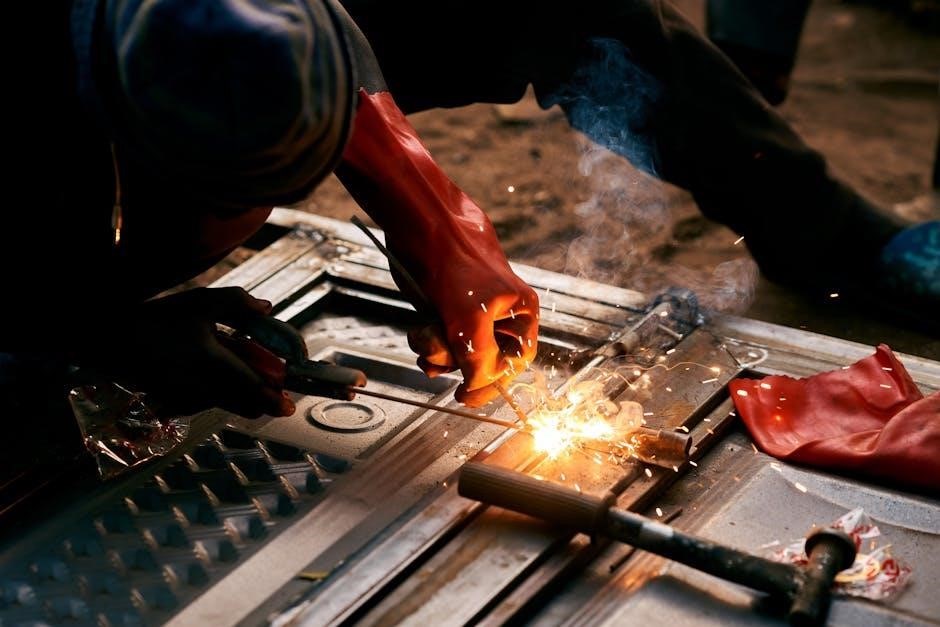
Common culprits include incorrect air pressure and contaminated air supply. Fluctuations in air pressure disrupt plasma formation, while impurities introduce inconsistencies, leading to arc instability. Identifying and rectifying these issues is paramount.

Cause: Incorrect Air Pressure
Insufficient or excessive air pressure dramatically impacts arc stability, causing flickering and inconsistent cuts. Plasma cutters require a precise air flow to effectively constrict and focus the plasma jet. Low pressure struggles to separate molten metal, while high pressure can extinguish the arc prematurely.
Always verify your machine’s recommended pressure setting in the manual and ensure your compressor delivers consistent output. Regularly check regulator functionality and hose connections for leaks.
Cause: Contaminated Air Supply
Moisture, oil, or debris in the air supply severely compromises plasma cutter performance, leading to an unstable arc and poor cut quality. Contaminants disrupt the plasma stream, causing erratic behavior and potentially damaging consumables. Oil and water create inconsistent arcs and excessive spatter.

Invest in a quality air dryer and filter to ensure clean, dry air reaches the cutter. Regularly drain moisture from the compressor tank and replace filters as needed.

Excessive Dross
Excessive dross, the molten metal that re-solidifies on the cut edge, is a common frustration for plasma cutter users. This indicates an issue with the cutting parameters or machine condition. Dross formation impacts the finish and requires post-cut cleaning, increasing project time.
Addressing dross involves optimizing cutting speed, amperage, and ensuring a clean air supply. Worn nozzles also contribute significantly to this problem, necessitating frequent replacement.
Cause: Incorrect Cutting Speed
Incorrect cutting speed is a primary contributor to excessive dross formation. Moving too slowly allows the material to overheat, leading to increased molten metal that resolidifies as dross. Conversely, moving too quickly can result in incomplete cuts and also contribute to dross.
Finding the optimal speed requires balancing penetration with minimal heat input. Refer to the material thickness chart in your plasma cutter’s manual for recommended settings and adjust as needed based on observed results.
Cause: Worn Nozzle
A worn or damaged nozzle significantly impacts cut quality and contributes to excessive dross. The nozzle constricts and focuses the plasma arc; erosion widens the arc, reducing its cutting power and precision. This leads to more molten material being left behind as dross.
Regularly inspect the nozzle for signs of wear, such as a widened orifice or pitting. Replace the nozzle according to the manufacturer’s recommendations, or sooner if excessive dross is observed.
Poor Cut Quality (Rough Edges)
Rough or uneven cut edges often indicate an improper setup or component malfunction. Achieving clean cuts requires careful attention to several factors, including amperage, torch angle, and cutting speed. Incorrect settings cause the plasma arc to wander or create a wider kerf, resulting in jagged edges.
Addressing this issue involves systematically checking and adjusting these parameters to optimize the cutting process and ensure a smooth, professional finish on every cut.
Cause: Incorrect Amperage Setting
Insufficient amperage struggles to fully penetrate the metal, leading to incomplete cuts and rough, uneven edges. Conversely, excessive amperage can cause the metal to melt and splatter, creating a wider kerf and significant dross accumulation.
Selecting the correct amperage is crucial, based on the material type and thickness; consulting the plasma cutter’s manual or a cutting chart is highly recommended for optimal results.
Cause: Torch Angle Issues
Maintaining a consistent and correct torch angle is vital for clean cuts. An incorrect angle – too steep or too shallow – disrupts the plasma arc’s focus, resulting in tapered cuts and rough edges.
A slight drag angle, typically around 5-15 degrees, is generally recommended, ensuring the arc enters the cut squarely and efficiently. Proper technique and consistent hand movement are essential for achieving quality results.
Torch Overheating
Excessive heat buildup in the plasma torch can lead to premature failure and inconsistent cutting performance. This often stems from inadequate cooling or restricted airflow, preventing efficient heat dissipation.
Prolonged use at high amperage settings without sufficient cooling exacerbates the problem. Regularly inspect the cooling system for blockages and ensure proper gas flow to maintain optimal torch temperature during operation, preventing damage.
Cause: Insufficient Cooling
A compromised cooling system is a primary culprit behind torch overheating. This can manifest as a low coolant level, a malfunctioning pump, or obstructions within the cooling lines, hindering heat removal.
Reduced coolant flow prevents the torch from effectively dissipating heat generated during plasma cutting. Regularly check coolant levels, inspect the pump for proper function, and clear any blockages to ensure adequate cooling capacity and prevent torch damage.
Cause: Blocked Airflow to Torch
Restricted airflow to the torch is a frequent cause of overheating, as it disrupts the cooling process and prevents efficient removal of heat generated during plasma cutting operations.
Check for obstructions in the air lines, filters, or within the torch itself. A clogged filter or kinked air hose significantly reduces airflow, leading to overheating. Regular inspection and cleaning of these components are crucial for maintaining optimal performance and preventing damage.
Plasma Cutter Tripping Breaker
Frequent breaker tripping indicates a serious electrical issue, potentially stemming from an overloaded circuit or an internal fault within the plasma cutter itself. Before resuming operation, identifying the root cause is paramount for safety and preventing further damage.
Verify the circuit’s capacity matches the plasma cutter’s requirements. An internal electrical fault necessitates professional inspection and repair to avoid hazards and ensure reliable performance.
Cause: Overload Circuit
An overloaded circuit occurs when the plasma cutter draws more power than the circuit is designed to handle, triggering the breaker as a safety mechanism. This often happens when multiple high-demand tools share the same circuit.
To resolve this, disconnect other appliances and test. If the breaker still trips, the circuit may be insufficient, requiring a dedicated circuit installation by a qualified electrician to safely operate the plasma cutter.
Cause: Internal Electrical Fault
An internal electrical fault within the plasma cutter itself can cause the breaker to trip, indicating a short circuit or component failure. This is a serious issue demanding immediate attention and professional diagnosis.
Do not attempt to repair internal components yourself; disconnect the machine immediately and contact a qualified technician for inspection and repair. Continuing operation with an internal fault poses a significant safety risk.
Gas Leaks
Gas leaks in a plasma cutter are a serious safety concern, potentially leading to fire hazards or asphyxiation. Regularly inspect all gas lines, fittings, and connections for any signs of damage or leakage.
Listen for hissing sounds and use a leak detection solution to pinpoint the source of any leaks. Faulty fittings or damaged gas lines must be replaced immediately by a qualified technician to ensure safe operation.
Cause: Faulty Fittings
Loose or damaged fittings are a frequent source of gas leaks in plasma cutters. Over time, compression fittings can degrade, or threads can become stripped, compromising the seal.
Even seemingly minor imperfections in fittings can allow gas to escape, creating a safety hazard and reducing cutting efficiency. Inspect all fittings – including those on the regulator, gas lines, and torch – for cracks, corrosion, or looseness. Replace any suspect fittings immediately.
Cause: Damaged Gas Lines
Cracked, kinked, or punctured gas lines directly contribute to gas leaks, impacting plasma cutter performance and posing a safety risk. Regular inspection of the gas lines is crucial, paying close attention to areas prone to bending or abrasion.
Even small pinhole leaks can be difficult to detect but can significantly reduce gas pressure, leading to unstable arcs and poor cut quality. Replace damaged gas lines immediately with lines specifically designed for the type of gas used in your plasma cutter.
Pilot Arc Issues
A weak or nonexistent pilot arc often indicates a failure within the high-frequency start circuit, essential for initiating the plasma arc. This circuit generates the high-voltage spark needed to ionize the gas and establish conductivity.
Troubleshooting involves checking the high-frequency generator, the pilot arc electrode, and associated wiring for damage or corrosion. A faulty high-frequency module typically requires professional repair or replacement, as it involves complex electronics.
Cause: High-Frequency Start Circuit Failure
The high-frequency (HF) start circuit is crucial for initiating the plasma arc, generating the necessary voltage to ionize the gas. A failure here prevents arc establishment, leaving only a hissing sound.
Component degradation, wiring issues, or a faulty HF generator are common culprits. Testing requires specialized equipment; however, visually inspecting for burnt components or loose connections is a good first step. Replacement often necessitates a qualified technician.
Consumable Wear & Replacement
Plasma cutter consumables – electrodes, nozzles, swirl rings, and shields – experience significant wear during operation, directly impacting cut quality and arc stability. Regular inspection is vital; worn parts cause unstable arcs, excessive dross, and reduced cutting speeds.
Prompt replacement maintains optimal performance and prevents damage to more expensive components. Following the manufacturer’s recommendations for replacement intervals, based on usage, is crucial for consistent results and extended machine life.
Importance of Regular Replacement
Consistent cut quality hinges on regularly replacing plasma cutter consumables. Worn electrodes and nozzles dramatically affect arc formation, leading to increased dross, rough edges, and potential torch damage. Ignoring replacement schedules forces the cutter to work harder, shortening its lifespan.
Proactive consumable changes minimize downtime and ensure efficient operation. Maintaining a stock of replacements allows for quick swaps, keeping projects on schedule and reducing frustrating interruptions caused by subpar performance.
Preventative Maintenance for Plasma Cutters
Regular preventative maintenance extends the life and optimizes the performance of your plasma cutter. This includes routinely checking air compressor filters, ensuring proper air pressure, and inspecting hoses for leaks or damage. Cleaning the torch body and cooling system prevents overheating.
Consistent inspection of consumables and timely replacement are crucial. A well-maintained plasma cutter delivers cleaner cuts, reduces downtime, and minimizes costly repairs, ultimately boosting productivity and efficiency.

Safety Precautions When Troubleshooting
Always disconnect the plasma cutter from the power source before performing any maintenance or troubleshooting. Wear appropriate personal protective equipment (PPE), including safety glasses, gloves, and a welding helmet, to shield against arc radiation and potential hazards.
Ensure adequate ventilation to avoid inhaling fumes. Never work on a pressurized system; release air pressure before disconnecting hoses or fittings. Be mindful of hot surfaces and electrical components to prevent burns and shocks.